DocumentDatasheet
FamilyMOTOTRBO · DMR
CategoryHandheld terminal
Revision2026-10
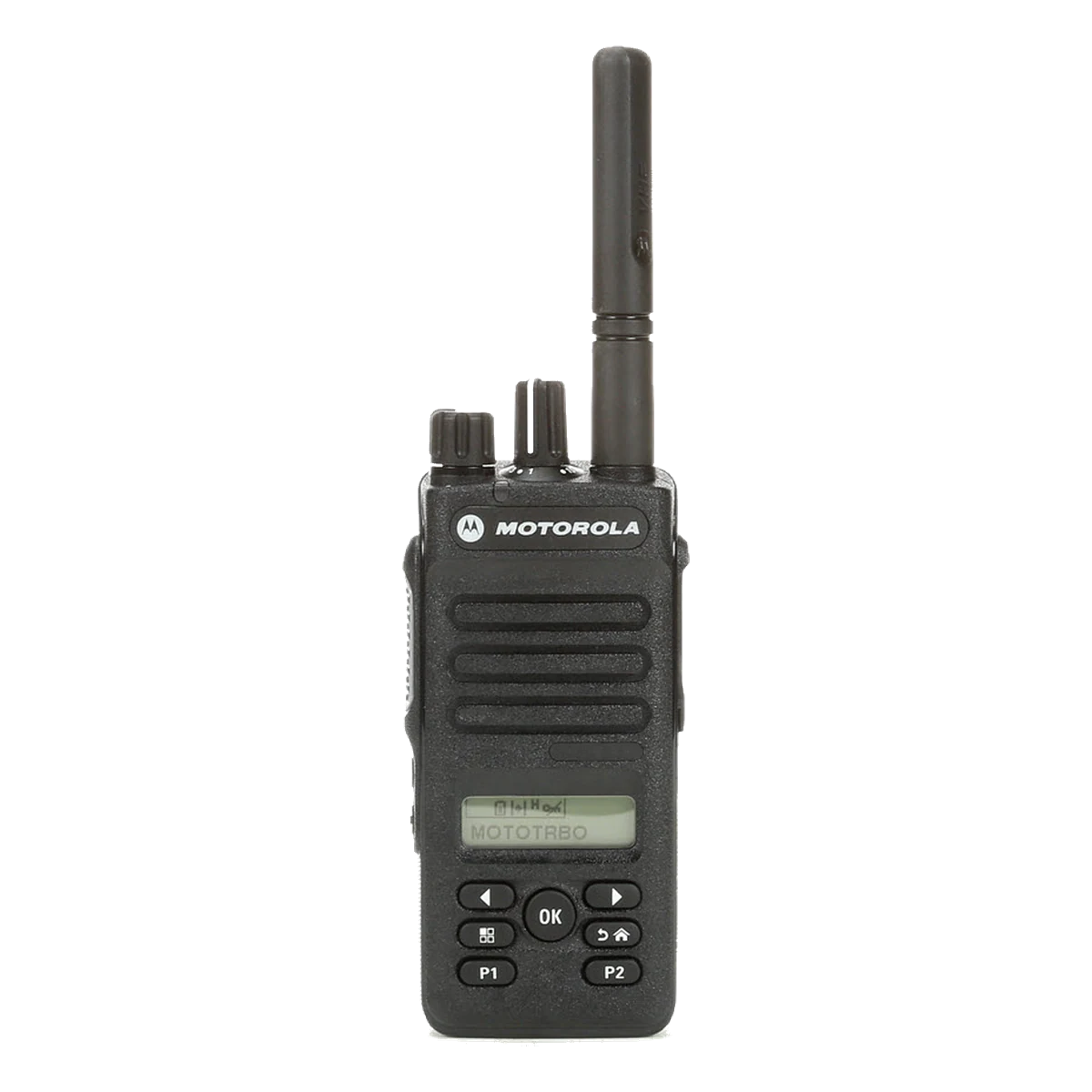
MOTOTRBO DP3000e
Compact DMR handheld radio, IP68
The compact MOTOTRBO handheld radio for mobile professionals: IP68 housing, Bluetooth, Wi-Fi, indoor and outdoor location, optional man down detection. Available without display (DP3441e) or with 5-line colour display (DP3661e).
- Available to order
- Programming included
- ARTCI application
 Authorised Motorola Solutions partner: genuine equipment, manufacturer's warranty, after-sales service in Abidjan.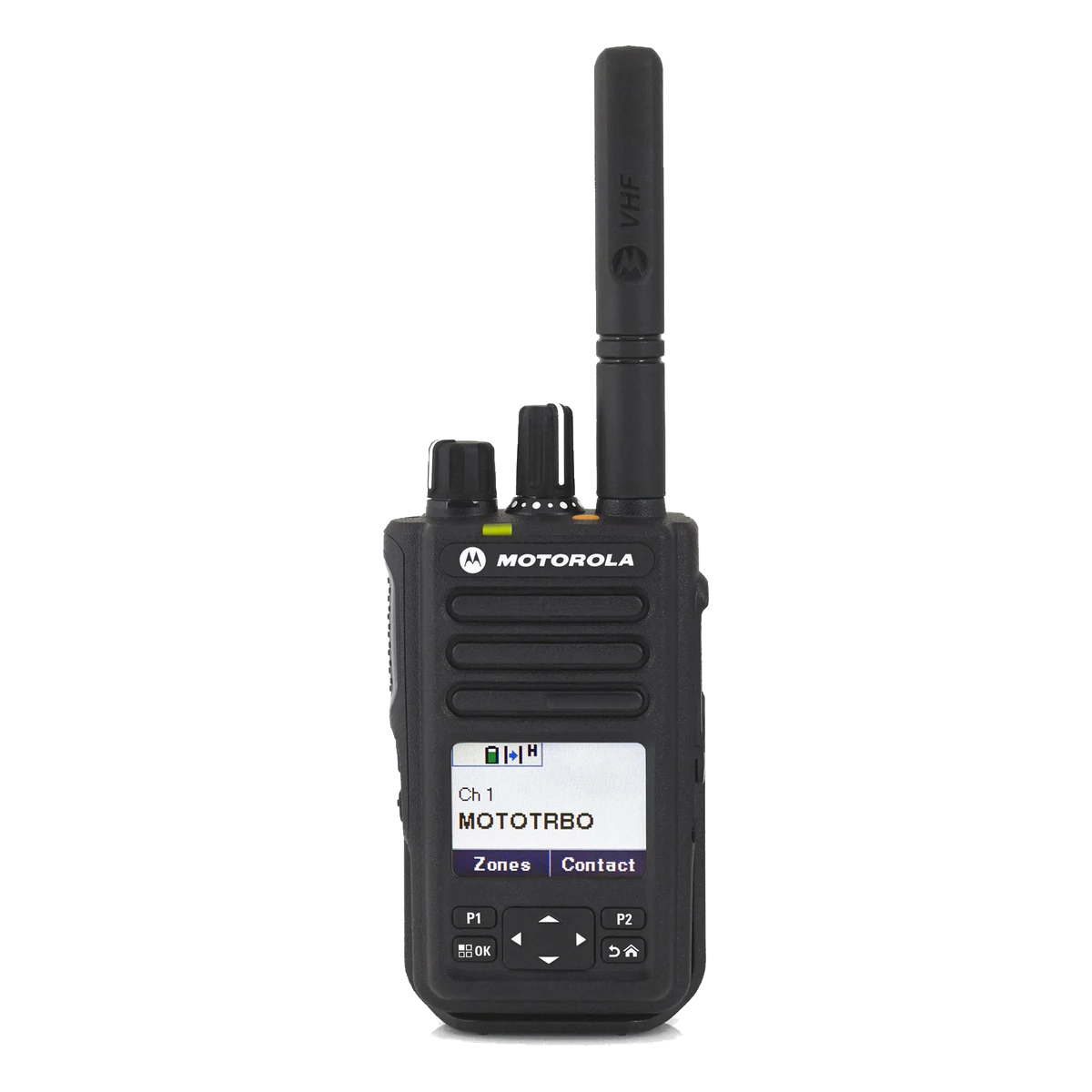
Specifications
Manufacturer values. The official datasheet is authoritative.
| 01Models | DP3441e (no display, 64 channels) · DP3661e (colour display, 1,000 channels) |
|---|---|
| 02Bands | VHF 136–174 MHz · UHF 403–527 MHz |
| 03Power | 5 W (VHF) · 4 W (UHF) · 0.5 W low |
| 04Connectivity | Bluetooth 4.0 · Wi-Fi · GNSS and indoor location |
| 05Safety | Emergency button · man down detection (option) · transmit interrupt |
| 06Protection | IP68 · MIL-STD 810 |
| 07Battery life | Up to 26.5 h (digital) with 2,900 mAh IMPRES battery |
| 08Dimensions · weight | 100 × 55 × 39 mm · 305 g (2,900 mAh IMPRES battery) |
Why order it from us
A
Target sectors
Industry · Logistics · Technical services · Security
B
Programming included in the quote
Channels, frequencies and business functions configured before delivery by Motorola-certified technicians.
C
ARTCI frequency application
Operating this equipment requires a frequency assignment. We prepare the application and follow it through to authorisation.
D
Warranty and maintenance
New equipment under manufacturer's warranty. Preventive and corrective maintenance provided from Abidjan, scope defined in the contract.
Documentation
Complementary products
SUPPORT
A project with the DP3000e?
Sizing, ARTCI frequency application, programming and on-site deployment: our engineers in Abidjan support you from start to finish.